Grab The Discount | Flat Rs1000 off for new learners | Code: OFF1000
GT Academy, now revamped as LearninGT.com

LearninGT — Professional Certifications and Corporate Training by Grant Thornton Bharat




Programmes Offered
Professional Qualification
Best SellerAssociation of Chartered Certified Accountants (Online Live)
Duration
6 Months to 3 Years
Certificate of Completion
Finance and Accounts
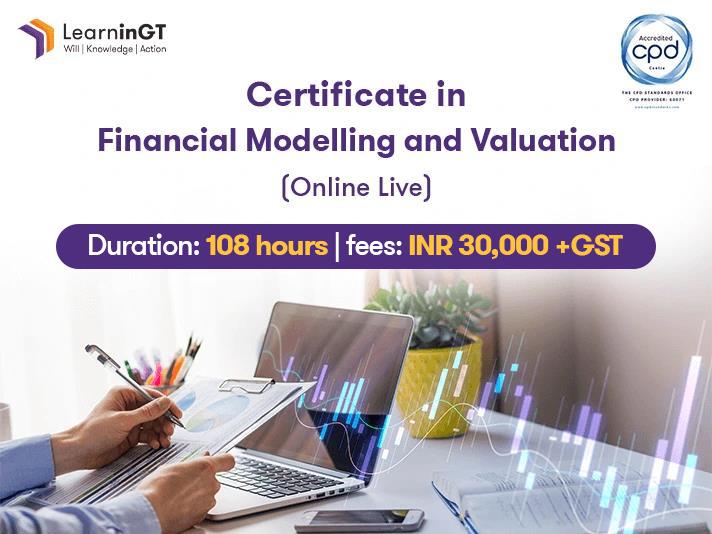
Best SellerCertificate in Financial Modelling and Valuation (Online Live)
Duration
108 hours
Certificate of Completion
INR 30,000(Exclusive of 18% GST)
Professional Qualification
Best SellerUS Certified Management Accountant (CMA) (Online Live)
Duration
6 to 8 Months
Certificate of Completion
INR 60,000(Exclusive of 18% GST)
Finance and Accounts
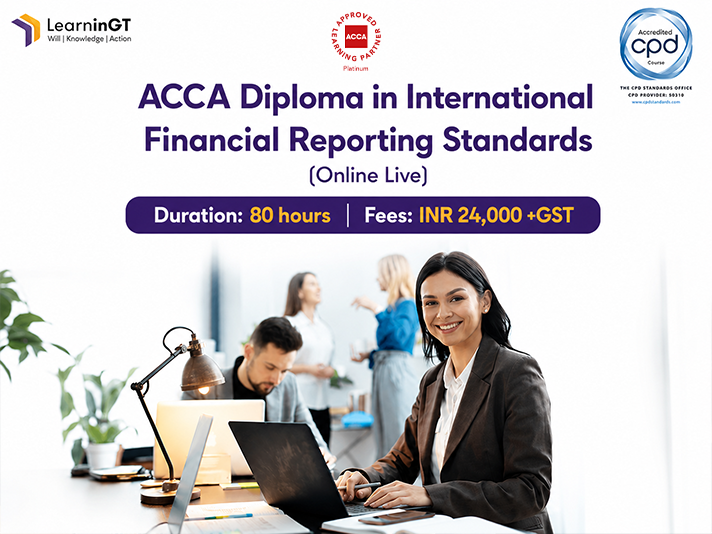
Best SellerACCA Diploma in International Financial Reporting Standards (Online Live)
Duration
80 hours
Certificate of Completion
INR 24,000(Exclusive of 18% GST)
Explore Professional Courses in AI, Data Analytics, Finance, ESG and Leadership with LearninGT
LearninGT, powered by Grant Thornton Bharat, is a leading professional learning platform offering certification courses, executive programmes, and corporate training solutions. We help professionals and organisations build future-ready skills across AI, Finance, Data Analytics, ESG, Leadership, Risk, and Digital Transformation through industry-led learning experiences.

4.6 / 5
Rated by Clients

45,000+
Happy Learners

22
Presence in 19 Cities
1,290,000+
Learning Hours
LearninGT Video Gallery
▶
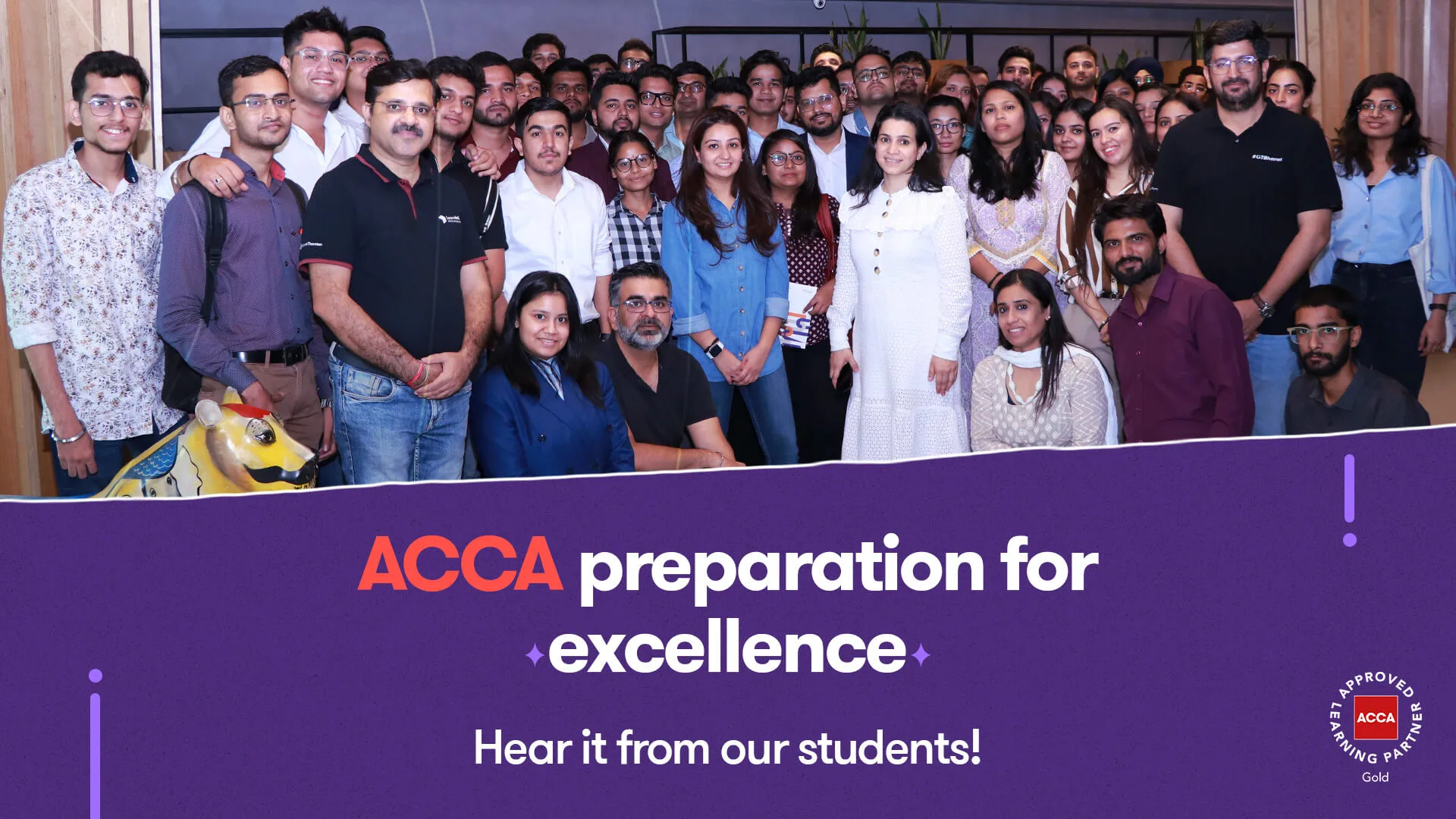
Celebrating ACCA student success!
▶
Why pursue US CMA with LearninGT
▶
Student success story - ACCA
▶
Insight on IFRS
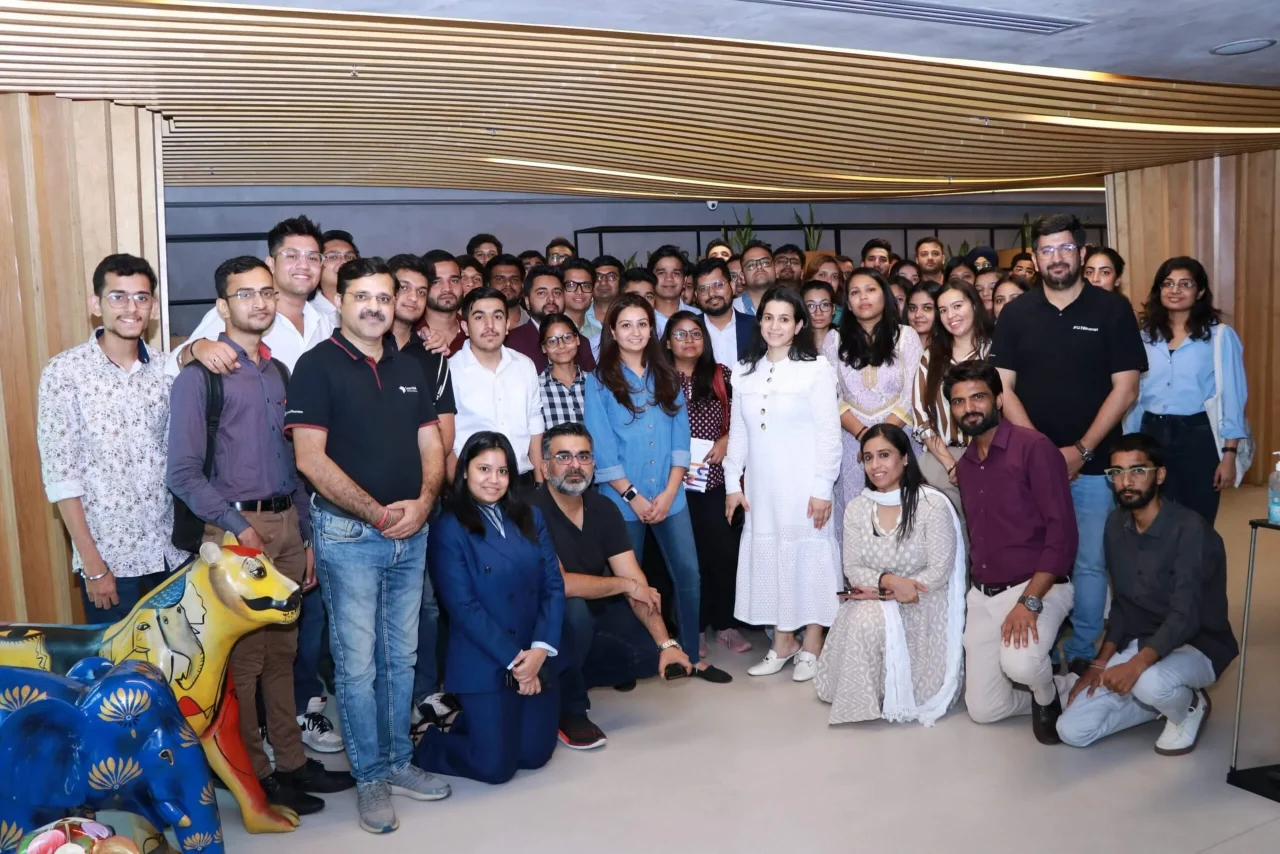
LearninGT enables personal and professional transformation
Have you attended our programme? We love to hear from you.
Share your experienceWhat people are saying

Neha Pathak
ACCA studentGreat experience with LearninGT. Latest lectures provided with all the syllabus covered including technical articles. It helps to streamline my study plans. Plus, the helpline email service by GT also provide solutions fast. The top 3 things I liked about the ACCA training were - Easy to understand and interactive classes and exam papers being checked prior to examination. I already have recommended GT’s ACCA training to my fellow colleagues.

Meha Maggo
ACCA affiliateI had an amazing learning experience for ACCA at LearninGT. The top 3 things I liked in the training were - Recorded mode, prompt doubt solving, can connect with the mentor also (Like i connected with Sanmeet Mam for the optional subject guidance as to which subject to choose). I would surely recommend LearninGT’s ACCA preparation to other people.

Adeel Ahmed
ACCA studentIt's been a great experience preparing for ACCA with LearninGT! As GT has provided best teacher CA Swati Gupta. The top 3 things I liked about the training were - 1. Doubt clearing sessions. 2. Live mock tests 3. LMS Concise notes. I would surely recommend their ACCA training to others.

Pratham Garg
ACCA studentIt was a very positive and enriching learning experience. The sessions were well-structured, concepts were explained clearly, and there was good support throughout, which made learning engaging and effective. The top 3 things I liked most about the training were: 1. Clear and structured teaching – Concepts were explained step-by-step, making even difficult topics easy to understand. 2. Practical examples and real-life applications – This helped in connecting theory with actual scenarios. 3. Supportive trainers and doubt-clearing sessions – Questions were encouraged and addressed patiently, which boosted confidence. Yes, I would definitely recommend this training to others. It is well-organized, easy to understand, and genuinely helpful for building both knowledge and confidence.

Sahil Shaikh
ACCA studentSo far the experience is good, most of the doubt and escalation get's solved in a day or two most of the time. Thanks for giving me upgrade to the live batch it helped to solve problem in real time. The top 3 things I liked about the training were - 1. Access to videos until you clear the paper and free upgrade to new recordings if any change in syallabus 2. Free upgrade given to me to live batch as I was unable to clear paper from e learning 3. Team support has improved a lot with people like Vivek, Sanmeet, Sonika, Muskaan, Jyoti and all 4. Good tutors and their materials as well. Yes sure, I would recommend GT’s ACCA training to others.

Shreya Lakhane
ACCA studentI had a great ACCA prep experience at LearninGT. The top 3 things I liked about the ACCA training were - Supportive staff, clear concepts during lectures, support before and after exams. Yes, I will recommend the ACCA preparation with LearninGT.

Shivangi Paul
ACCA studentIt was good, Swati is very knowledgeable and the classes were interactive. The top 3 things I liked in the ACCA training were regular classes, weekly doubt clearing sessions, mocks available.
Khushi Modi
ACCA studentIt was an excellent experience. Teachers as well as the faculty members were very friendly and supportive. They gave us quick assistance and responses and I would definitely recommend GT for ACCA preparation.

Tamanjot Singh
ACCA studentMy experience with LearninGT was excellent. The top 3 things I really liked in their training was - Delivery of books on time, timely completion of syllabus and doubt solving, latest and updated study material so I would recommend GT for the ACCA training.

Theresa Tomy
ACCA studentThe overall learning experience was supportive and effective, and it helped me develop both technical understanding and exam discipline. The concepts were explained clearly, with a strong focus on exam-oriented application as well as real-world relevance. The top 3 things I liked about the training were - 1. Concept clarity 2. Exam-focused approach 3. Support and Guidance

Ruchita Singh
ACCA affiliateIt was a great experience and the top 3 things I liked in the training were – going through the course book and explaining the contents in detail. 2. Very proactive team. 3. Timely support and doubt resolution.

Pooja Arcot
ACCA studentIt was a good experience and top three things I liked in the training were - Response level from mentors, Affordable fees, Lectures validity till we complete ACCA

Dev Maggo
ACCA affiliateIt was a very good experience with interactive sessions, excellent guidance, in depth analysis of past examinations.

Pooja
Overall experience was good. Everytime I face any issue someone was there to guide me. Recorded lectures were detailed. Weekly doubt session was organised. I could connect to our mentor anytime on whatsapp so doubts were resolved as and when occurred

Astha Bakshi
ACCA studentIt was a great experience. The trained teachers in GT makes it easy to prepare strategy for the exam. The exam specific guidance provided is extremely helpful to target topics to improve score. The teachers are always available for guidance and doubt solving be it learning or live classes.

Vasudev Bhaktha
ACCA studentIt was very good. I understood the concept in more clarity. The explanations and the example that is used is very good. Overall the learning experience was great. The top 3 things that I liked in the training were: 1.Using simple,real life example for explaining the concepts 2. Explaining the topics in a more deep ways 3. Explaining the tips to read and write for the exam.

Phalguni Amreesh Soni
ACCA studentThe faculty and administrators at GT provided great support to me when I was preparing for the ACCA exams. They always guided me at every step of the way not only academically but also support for dealing with things like deadlines from ACCA, feedback etc. We always received resolution for our queries. Secondly, the environment is extremely interactive. Thirdly, our efforts and results are celebrated and acknowledged. Fourthly, and most important, the teachers are great providing knowledge, inspiration and motivation. I would most definitely recommend GT coaching to others.

Shriraam KC
ACCA affiliateI had a great experience with GT Academy throughout my ACCA Journey. Especially with Sandeep Sir, Sanmeet Maam and Archana Maam learning and support were great!!! The top 3 things that I liked about the training were - 1. Providing concept clarity 2. Timely delivery of books and lectures 3. Easily approachable faculties and support staff. Everything is taken care in a good manner. Thank you!

Rupesh Kumar Bomali
ACCA affiliateMy overall learning experience with LearninGT was excellent and truly value-adding. The trainers explained concepts clearly with practical examples, which made even complex topics easy to understand. The structured approach, regular revisions, and exam-focused guidance helped me stay confident and well-prepared throughout my ACCA journey. The top 3 things I liked in the training were – 1. Clear and concept-driven teaching style with real-world applications 2. Continuous support from faculty for doubts, motivation, and exam strategy 3. Well-organized study materials and revision sessions aligned with ACCA exam patterns. I would definitely recommend LearninGT to anyone pursuing ACCA. The quality of teaching, supportive environment, and strong exam preparation make it an excellent choice for achieving ACCA success.

Kunal Jain
ACCA studentMy experience has been quite good with GT, the tutors are well versed with the subject and possess the relevant knowledge for supporting and guiding the students. This rank has been an all time dream, however it was unexpected that I would achieve a rank. It makes me feel empowered. It's going to add value to my CV and professional growth. The one thing I liked most about the training is that the notes provision and the regular mock tests, which were evaluated with proper reviews. Yes, definitely will recommend this training to others.

Sourabha B J
IFRS studentI, Sourabha B J, am recently awarded the ACCA Diploma in International Financial Reporting. I was able to get through this course successfully by securing 80%. I had taken session from LearninGT and I'm thrilled with the outcome! The course provided me with valuable knowledge and skills that have significantly improved my understanding of the subject. I'm grateful for the opportunity to learn from experienced instructors who is expert in the domain. I highly recommend LearninGT to anyone looking to pursue this course.
At LearninGT, tutors are the experts in the domain. There is comprehensive coverage of course material and relevant and practical insights of the topics. Though the classes were online, they were never boring nor off the beat. The sessions were made more interactive which enhanced the process of learning. Furthermore, the queries were addressed then and there. Also, the exam sessions and doubt clearing sessions conducted just before the exams helped me to come out successfully. I extent my heartfelt gratitude to my tutor Achal Jain and the entire LearninGT Team for being there and helping out students in their yet another professional milestone. Though students pursuing this course are working professionals, I highly recommend to complete studying the BPP Study Test (revision kit) provided in the week immediately following the class after which solving all the problems from BPP Exam Practice Kit to ace your exams is a must. Further, to take up the mock exams hosted on the ACCA website is a big yes to get familiar with the exam software.

Aditya Vikram Aggarwal
ACCA studentOverall learning was wonderful as I was able to clear all the exams in my first try, credits to the faculties provided by LearninGT.
Top 3 things I liked:
1- Faculties: Knowledgeable and completed the course within time and gave us ample time for preparation
2- Since I attended recorded classes, I was able to view them as and when I got time, as I am under full time employment
3- Mentorship: I was able to connect with mentors and resolve my queries as and when needed.
I would definitely be recommending the training to my friends and colleagues, I am already being recommending these to anyone in need.

Adlin D’Souza
ACCA studentI had a very positive and enriching learning experience with GT. I found the training to be well-structured and highly beneficial.
- High-Quality Instruction: The instructors were not only experts in their field but also excellent at conveying complex information in an understandable and engaging way. Their willingness to answer questions and provide real-world examples was particularly helpful.
- Relevant and Applicable Curriculum: The course material was directly relevant to my learning objectives and provided actionable insights that I can immediately apply. I appreciated the focus on practical skills over theoretical concepts.
- Interactive and Collaborative Approach: The training fostered a great environment for interaction, whether through group activities, discussions, or opportunities to connect with fellow learners. This made the learning process much more dynamic and enjoyable.

Chaitanya Mahajan
ACCA studentMy overall learning experience was excellent. The training was well-structured, engaging, and focused on practical understanding. The support from trainers and access to study materials made the learning journey smooth and effective.
Top 3 things I liked -
1) professional and helpful faculty.
2) interactive sessions
3) timely guidance and mock tests
I would highly recommend this training to anyone pursuing ACCA or looking to strengthen their conceptual understanding while balancing work and study.

Manav Moholkar
IFRS studentLearninGT provided an outstanding and well-structured learning experience throughout my ACCA Diploma in IFRS preparation. The faculty demonstrated exceptional clarity in delivering complex IFRS concepts, supported by real-world examples and focused guidance tailored to the exam. I’m especially grateful to the support staff who were always responsive and ensured a smooth learning journey from start to finish. Their combined effort played a vital role in my success. I sincerely thank the entire team at GT Academy for their dedication to quality education and highly recommend them to any finance professional seeking to enhance their global reporting skills.

Deepanshu Sharma
IFRS studentI cleared my IFRS diploma today (June'25 attempt) and scored 88. I’m grateful to GT India and Mr. Inder Pal Singh for their exceptional guidance throughout my Diploma in IFRS journey, which i cleared today. Mr. Singh's deep clarity on complex standards and his patient, structured teaching style made even the toughest topics easy to grasp. He answered every query with a sense of calm and clarity. The slides prepared by GT India were extremely useful for quick revisions and perfectly aligned with the course material. Highly recommended for anyone pursuing IFRS!

Dhananjay Sonar
FMV studentAn outstanding course for anyone serious about financial modelling and valuation! The programme structure was comprehensive and practical, covering everything from Excel best practices to building fully-linked financial models and conducting valuation analysis. The case studies, interactive dashboards, and expert guidance have significantly deepened my skills and confidence. Truly worth every hour invested. Thank you, Grant Thornton!

Anant Banthia
IFRS studentThe IFRS training sessions provided by GT (Achal Sir) were really good and insightful. The concepts were made clear. Overall learning experience was very good.
Three things which I liked about the training
1. Apart from IFRS, it’s carve outs and comparison with Ind AS and IGAAP were also explained to help us understand the application in local regulatory context and environment.
2. All questions were answered and explanations were provided clearly.
3. Classes were well organised and subjects were managed properly
I’ll recommend this training to others
Mubeen Ahmed Rafique Shaikh
IFRS studentI have already recommended this training to others and whole support team is very good. Support team is always available on whatsapp and resolves all the queries in friendly manner. I want to be associated with GT and make this journey lifelong.
The few things I liked the most about the training were LMS modules, highly experienced faculty, comfortable learning at our own time, live lectures were always on time..
Last i want to express A BIG THANKS to Surubhi..
Sadia Yusuf
FMV & MS Excel studentIt was a truly enriching experience to be a part of this training programme. I had enrolled in the Financial Modelling and valuation course, and I must say, the depth and clarity with which each concept was taught—especially within MicrosoftOffice 365 —made a significant impact on my learning. What stood out to me the most was how practical and application-driven the sessions were. The trainers took the time to break down complex concepts in a way that was both engaging and easy to follow. I especially appreciated the hands-on approach, real-world case studies, and the constant encouragement to ask questions and explore deeper.
This training has definitely boosted my confidence and equipped me with valuable skills that I can apply in my professional journey. I would highly recommend it to anyone looking to build a strong foundation in financial modelling and take their Excel skills to the next level.
Thank you once again for such an insightful and empowering learning experience!
Dakshinamoorthy Sharma
Finance & Analytics combo studentI recently enrolled with GT-Bharat, the consultancy firm for Financial Modelling, Advanced Excel, Python, and more courses. The quality of the study materials and recorded video lectures is exceptional, and the expertise of the faculty members is truly commendable.
The firm provides comprehensive resources, allowing me to review, revise, and strengthen my expertise in various subjects. Moreover, the support staff has been outstanding, offering seamless assistance before and after enrollment. Their dedication ensures a smooth learning experience, making the entire process effortless and enriching.
Kudos to the firm and its faculty for their hard work, guidance, and commitment to excellence. For anyone looking to enhance their technical and soft skills, I highly recommend enrolling in courses that suit your needs—an investment that undoubtedly offers great value for money.

Sahil Kakkar
US CPA studentI have looked into too many wells for pursuing US CPA course but GT is where my thirst quenched. It’s immediate tie-up with Becker, hassle free sign-ups, easy & quick guidance at every step, swift responses to queries and live lectures are one of the few things that helped me choose GT with a blink of an eye.
In my experience, I have seen candidates struggle with their application process for months but my application process, with the help of GT, was quite smooth and stress-free. They have helped me immensely at every stage of the process.
Moreover, the follow up that GT provides and ensures is truly incredible and has gained my trust & confidence in their system. For anyone who’s starting new or anew and is a bit indecisive should surely choose GTA for cpa course considering all options and I’m sure it wouldn’t leave a room for regret.
Vishal Ghai
US CPA studentI am delighted to share my experience with GT Academy for US CPA course. As a student enrolled in their program, I can confidently say that they have provided me with an exceptional educational journey.
The quality of education is unparalleled. The teachers are highly knowledgeable, passionate about their subjects, and use innovative teaching methods to ensure effective learning. Furthermore, the resources and facilities provided by GT academy are outstanding. The LMS is well-stocked with up-to-date reference materials and lectures. The academy creates an atmosphere conducive to effective studying and encourages collaboration among students. If you are seeking a comprehensive, top-notch educational experience, I wholeheartedly recommend GT academy for the CPA course

Swastika Chakravarty
US CPA studentI have been pursuing my US CPA journey with Grant Thornton for almost nearly a year now. I wanted to purse my US CPA with Beckers, so after weighing all my options and doing my research I found GT Academy were the official international study partner for Beckers, so it had to Grant Thornton for me.
It has been smooth sailing with GT academy. With GT academy being there every step of the way. Be it with the admission process, technical assistance with attending live lectures or assistance with recordings or manuvering the study software, evaluation process, examination stress handling process, guidance for study. For me on a personal level GT academy has been providing end to end service on any give day and anytime of the day.
Many prospective students have the dilemma when it comes to choosing a study academy for pursuing USA CPA simply because the investment in the course itself is huge. There are many organisations that offers US CPA course, but the difference between those organisations and GT is that those organisations chase you until you sign-up with them, whereas GT never does that. Their name in the industry is enough for them to do the work. However, having said that GT doesn’t rest on it’s laurels, they give prospective students a chance to attend a free trial of lectures before they wholly commit to the process of pursuing US CPA with GT academy. This in my opinion is the win-win situation for anybody who is thinking of pursuing CPA with GT academy.

Mamta Ganguly
ACCA studentI am pursing ACCA with the L&D academy, GT Bharat LLP and passed four ACCA exam. Indeed it was a milestone achievement in my career. The comprehensive study materials, faculty expert guidance, and exam preparation resources provided by the GT team were instrumental in my success. The support from GT mentors has been invaluable, and I’m proud to be on my way to becoming a qualified professional.

Ashmit Bansal
ACCA studentI pursued ACCA with the Learning and Development Academy for two papers. The concepts were taught in a clear and concise manner. Their application-based learning method, along with providing real-life examples, helped me grasp complicated concepts. The instructors and mentors were very supportive and quick to respond to queries throughout my journey.

Pratik Shah
ACCA studentACCA has helped me kickstart my career in finance and accounting. The quality of lectures delivered at the academy is excellent. Their way of teaching helps in simplifying complex concepts and makes it easier to grasp and implement. The expert faculty is supportive and helped me a lot in landing my first job
Ishaan Arora
FMV studentThe FMV sessions held at Grant Thornton India LLP were one of the best sessions that I had ever attended as a student. The instructors very knowledgeable and combined with their unique method of teaching, they made the course very special. I would strongly recommend this course to everyone and give it a 10/10 rating.
Kumar Arijit
FMV student
The Program is a complete package that provides professional insights to the world of Financial Modelling and Valuations. The trainers are experts in their field. They were able to impart practical knowledge through real life case studies and examples. The training was not only for how to do valuations but also on how to make it presentable. The hands on experience from working on real Financial Statements and support from trainers enhanced my skills to a new level. I recommend this program for anyone who wants to make meaningful financial models and valuations.
Arindam Mandal
FMV studentBridgetree India
It was very informative, very well presented, plus enjoyable. I have learned so much from this workshop that will assist me in my workplace. I came away from the workshop feeling so confident and it really does help when working with these. Excellent learning, good quality of study material, nice transparency between a participant and coordinator and very good coordination throughout the course duration should be mentionable.
Once again thanks for the wonderful workshop and new skills I have now.
I would recommend Grant Thornton to my all friends and colleagues who really wants to develop their carrier graph to the top in this line.